How to Set Up a MySQL MCP Server With Cursor

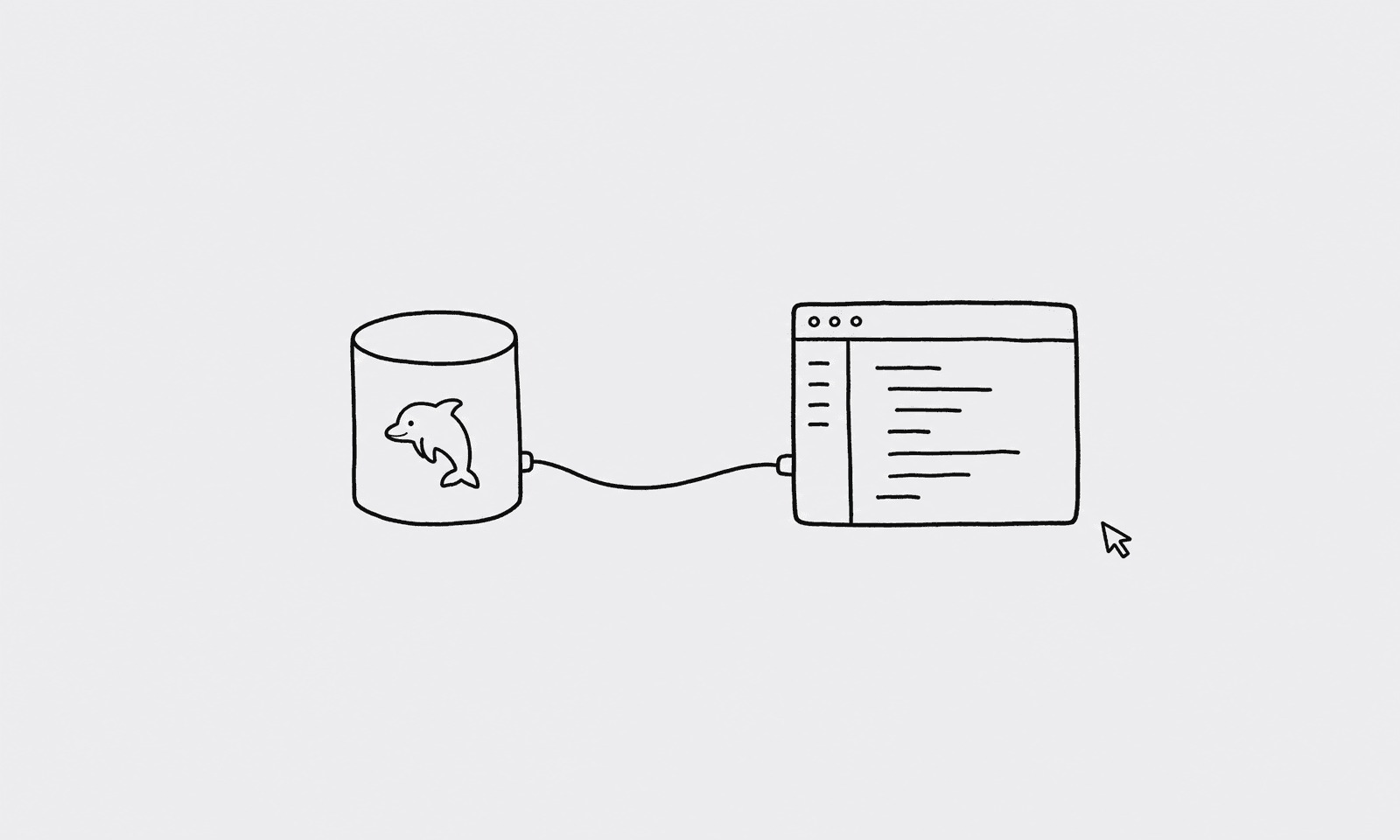
I was pairing with a teammate on a cart abandonment feature when she asked, "How many carts have been sitting for more than a day right now?" Neither of us knew off the top of our heads. She tabbed out to our internal BI tool, waited for it to load, couldn't remember which dashboard had it, and eventually gave up. We made an assumption and moved on. It was probably fine. It was definitely annoying.
That question should have taken ten seconds to answer from inside the IDE.
Part of the MySQL MCP Server guide.
What you'll need
- A MySQL database (read replica recommended)
- A QueryBear account
- Cursor installed
Why route through a gateway
Giving an AI agent your raw database URL means it can do anything your database user can do. A gateway puts a parser, an allowlist, and an audit log between the agent and your data. QueryBear rejects anything that isn't a SELECT before it ever reaches MySQL. The MySQL MCP Server guide has the full breakdown if you want to understand the layers.
Connect QueryBear to your MySQL
- Open the QueryBear dashboard and click "New connection."
- Choose MySQL, then paste your
mysql://connection URL. A read replica with aSELECT-only user is the right setup. - Under "Allowed tables," add the tables the agent should be able to query. Leave anything sensitive off the list.
- Under "Blocked columns," add columns you don't want showing up in context:
password_hash, payment fields, anything with PII. Save.
Install the QueryBear MCP server in Cursor
Cursor looks for MCP config in two places: ~/.cursor/mcp.json for global setup, or .cursor/mcp.json at your project root if you want project-scoped config.
Edit whichever file fits your workflow and add:
{
  "mcpServers": {
    "querybear": {
      "url": "https://mcp.querybear.com/mcp"
    }
  }
}
Restart Cursor. Open a Cursor chat window and you should see QueryBear listed as an available tool. You can also open the command palette with cmd-shift-P and search "MCP" to confirm it's connected.
Ask your first question
Back to that cart abandonment question. I opened a Cursor chat and asked:
"Show me users with abandoned carts older than 24 hours."
Cursor called get_schema through QueryBear to check the table structure, then generated this:
SELECT u.id, u.email, c.id AS cart_id, c.updated_at
FROM carts c
JOIN users u ON u.id = c.user_id
WHERE c.status = 'active'
  AND c.updated_at < DATE_SUB(NOW(), INTERVAL 24 HOUR)
ORDER BY c.updated_at ASC;
QueryBear ran it, checked the tables against our allowlist, and returned 312 rows. We had the answer before she finished switching back to her browser.
One thing worth knowing: MySQL does implicit type coercion in WHERE clauses. If your status column is a TINYINT but you're comparing it to a string, MySQL will cast silently and you can get unexpected results. QueryBear will run what the agent generates, so if you see odd row counts, check what types your columns actually are.
A Cursor-specific tip
Put .cursor/mcp.json in your project root and commit it. Every engineer who opens this repo in Cursor gets QueryBear wired up automatically. No Slack messages asking "how do I set up the database tool," no one half-setting-it-up incorrectly.
The file only contains the server URL, not any credentials. Those live inside QueryBear, tied to each person's account. So committing it is safe.