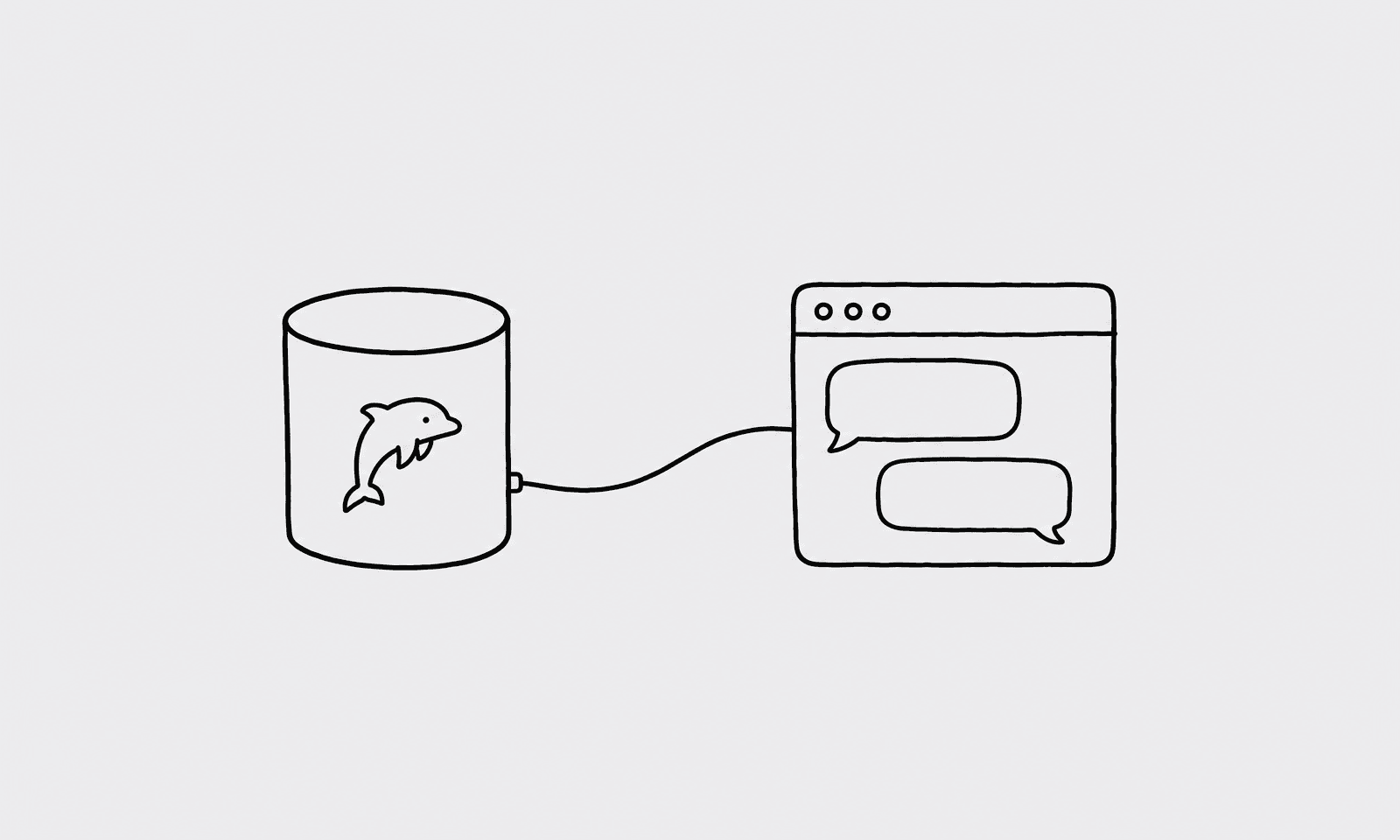
Our finance lead, Marcus, had a question that had been nagging him for weeks: how long does it actually take a new user to make their first purchase? He'd been getting a different answer every time he asked because different engineers were pulling the number from different queries with different date filters. He had ChatGPT open. He had the data in MySQL. What he didn't have was a connection between them.
This post shows how to set that up using QueryBear as a secure MCP gateway between ChatGPT and your MySQL database.
A MySQL database (read replica preferred over your primary)
A QueryBear account (free to start at querybear.com)
ChatGPT Pro, Plus, Team, or Enterprise subscription
Why route through a gateway
Dropping your production database URL into an AI tool's environment is the wrong move. QueryBear's gateway rejects any non-SELECT SQL at the parser level, enforces a table allowlist so the agent can only see what you've approved, and keeps an audit log of every query that runs. See the MySQL MCP Server guide for a deeper look at the security model.
Connect QueryBear to your MySQL database
Open the QueryBear dashboard and click "New connection."
Choose MySQL and paste your connection URL. Point it at a read replica if you have one, with a MySQL user that has only the SELECT privilege.
Under "Allowed tables," add the tables that are relevant to your questions: users, orders, products, that kind of thing. Skip anything that holds credentials or third-party payloads.
Under "Blocked columns," add anything you don't want in a chat window: password_hash, payment_token, ssn. Save.
The agent only sees the schema for tables you've approved. Anything else gets a clean rejection before the query reaches your database.
Install the QueryBear MCP server in ChatGPT
ChatGPT's MCP support is gated behind Developer Mode, which is a few taps deeper than most other tools. You'll need a paid ChatGPT subscription (Pro, Plus, Team, or Enterprise).
Open ChatGPT and go to Settings.
Go to Connectors, then Advanced, and toggle on Developer mode.
Click "Add new connector." Set the name to querybear and the URL to https://mcp.querybear.com/mcp.
Authorize via OAuth when prompted.
ChatGPT now has QueryBear's three tools available: list_connections, get_schema, and run_query.
Ask your first question
Marcus typed his question in plain English:
I asked: "What's the average time between signup and first purchase?"
ChatGPT generated this query and ran it through QueryBear:
SELECT AVG(TIMESTAMPDIFF(HOUR, users.created_at, orders.created_at)) AS avg_hours_to_first_orderFROM usersJOIN orders ON orders.user_id = users.idWHERE orders.id = ( SELECT MIN(id) FROM orders o2 WHERE o2.user_id = users.id);
Got back 38.4 hours as the average. Consistent number, same query every time.
Marcus forwarded it to the rest of the finance team. Nobody had to ask an engineer again.
A ChatGPT-specific tip
Share the connector across your workspace via ChatGPT Team. On the Team plan, workspace admins can make connectors available to everyone. Set up the QueryBear connector once, share it, and your whole finance or marketing team can ask questions without going through Developer Mode individually.
One thing to know: if you can't find Developer Mode in the UI (OpenAI moves settings around occasionally), your connector URL is always in your QueryBear dashboard under "MCP." The URL never changes.