MySQL MCP Server: Connect Your Database to Any AI Tool

You're debugging a customer complaint and someone on the team asks "how many orders did this user place in the last 90 days?" You know the answer is in MySQL. You also know you'll need to write the JOIN, get the date arithmetic right, remember whether the table is customer_orders or orders, and remember whether the timestamp column stores UTC or local time. So you open a terminal, find the read replica credentials, connect via the CLI, and write the query by hand. Five minutes later you have the number. Meanwhile someone on Slack asks a follow-up.
A MySQL MCP server short-circuits all of that. Your AI tool writes and runs the SQL. You ask in plain English, get the answer back in seconds.
What an MCP Server Is
MCP stands for Model Context Protocol. It's an open standard that lets AI tools call external services during a conversation. When an AI client supports MCP, you can register servers that expose tools, and the client can call those tools mid-conversation to fetch real data, run code, or interact with APIs.
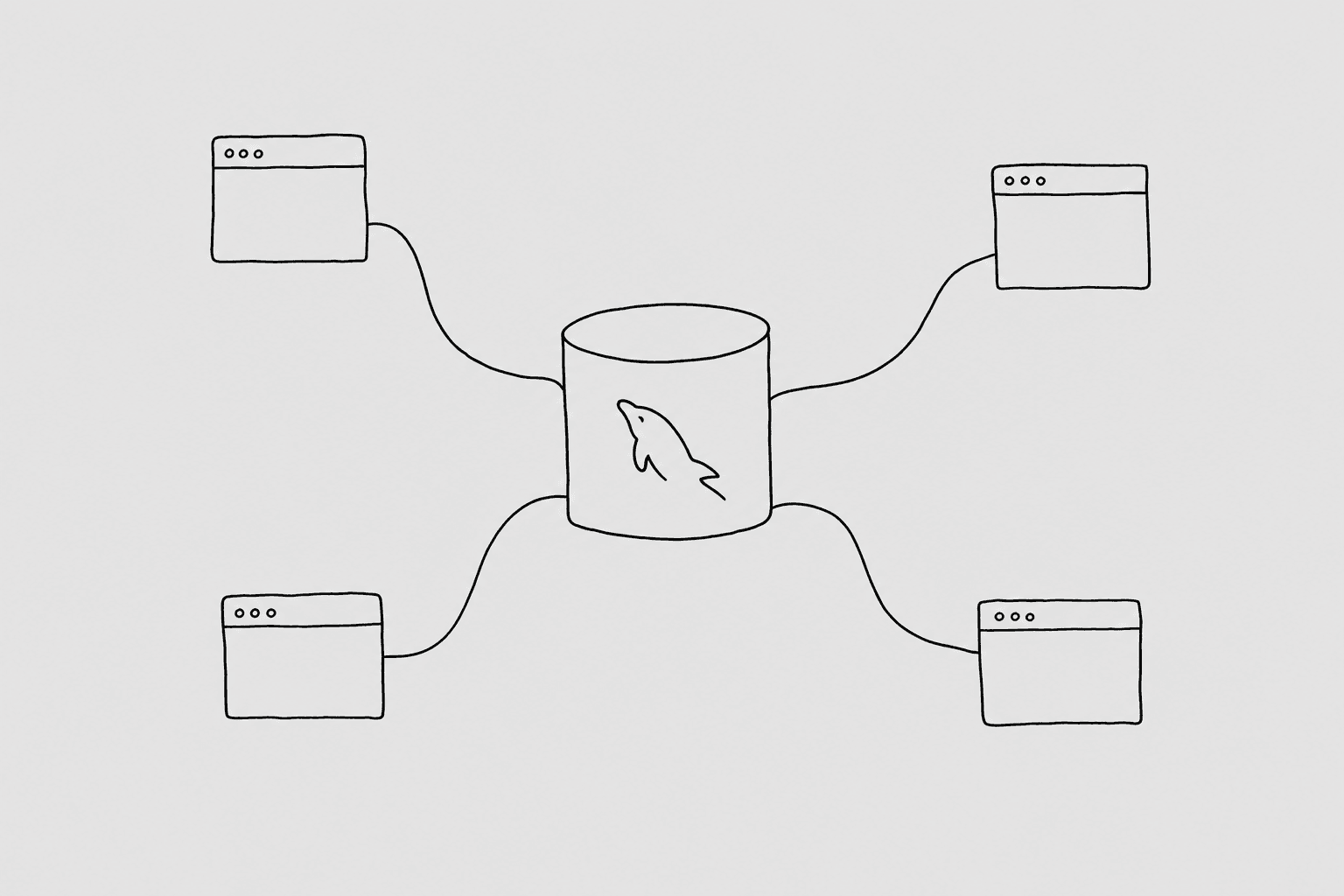
A MySQL MCP server specifically exposes your database as a set of callable tools. The AI client calls get_schema to learn your table structure, then calls run_query with a SQL statement it writes based on your question, then formats the result into a plain-English answer.
The practical effect: you ask "which customers placed orders this week but haven't received a shipping confirmation?" and within a few seconds you get the list, without writing a line of SQL yourself.
MCP is supported by Claude Code, Claude Cowork, Cursor, Windsurf, ChatGPT (with Developer Mode), OpenAI Codex, and Gemini CLI. The setup varies by tool but the protocol is the same.
Why You'd Want One for Your MySQL Database
The most common use case is ad-hoc questions. MySQL is the backend for a huge share of web apps, and most people on your team aren't fluent in SQL. With an MCP server in place, a customer success rep can ask "what's this customer's order history?" directly in Claude without bothering an engineer. A founder can ask "what did revenue look like last Tuesday compared to the Tuesday before?" without waiting for a report.
Beyond ad-hoc work, there's debugging. When something goes wrong in production, you need answers fast. Did the batch job actually run? Are there failed payment records piling up? How many rows got affected by that migration? With a mysql mcp server in your AI tool, you can ask these questions in the same window where you're reading logs and writing fixes.
There's also the support layer. If you route customer support through an AI tool, giving that tool read access to your MySQL database means it can look up order details, account status, subscription history, and usage data without a human in the loop.
And there's reporting. Not everything needs a BI tool. Sometimes "just tell me the number" is the right answer, and an MCP-connected AI is faster for one-off numbers than building a dashboard.
The Naive Approach (and Why It's a Problem)
The obvious version of this is: set DATABASE_URL=mysql://prod_user:password@prod-host/prod_db in your agent's environment and let it connect directly.
This works, technically. It also creates a situation where the AI has the same access as your application. If it generates a DELETE by accident, that runs. If it writes a query that scans 50 million rows without a LIMIT, your replica lags and your app slows down. If it reads a column with PII, that data goes into the model's context window and then into your terminal scrollback.
Giving the agent a read-only MySQL user helps. GRANT SELECT ON mydb.* TO 'agent'@'%' prevents writes. But it doesn't prevent the agent from reading columns it shouldn't see, like password_hash or stripe_customer_id. It doesn't prevent a runaway full-table scan. And it gives the agent access to every table in the schema, including the ones with sensitive data.
Read-only is necessary but not sufficient. You want a real gateway.
The Gateway Pattern
A well-designed MySQL MCP server sits between the AI client and the database. The agent never sees database credentials. It calls the MCP server, which runs the query through a security pipeline before the SQL ever reaches MySQL.
QueryBear is the gateway I built for this. Here's what it checks before executing anything:
- SQL parser: Rejects DML and DDL. No
INSERT,UPDATE,DELETE,DROP,ALTER,TRUNCATE. The agent can onlySELECT. - Table allowlist: You choose which tables the agent can see. Everything else is invisible, not just blocked.
- Blocked columns: Specific columns you mark as off-limits (like
password_hash,ssn,stripe_token) never appear in schema responses and can't be queried. - Row limit: Queries get an implicit
LIMITif they don't have one. Prevents the agent from pulling 4 million rows into context. - Statement timeout: Long-running queries get killed at the gateway level. Keeps replica load sane.
- EXPLAIN cost cap: For expensive queries, QueryBear runs
EXPLAINfirst and rejects if the estimated cost is too high. - Audit log: Every query, every result, every rejection is logged. You can see exactly what the agent asked.
The agent's credentials are its MCP session token, not a database password. If those credentials leak, you revoke the token, not the database user.
Pick Your Tool
All seven spoke guides below walk through the full setup for that tool: connecting QueryBear to your MySQL database, installing the MCP server in the tool, and running a first query.
- Claude Code: terminal-native; best for engineers who are already working in the CLI. Run one
claude mcp addcommand and you're done. - Claude Cowork: Claude's desktop app; best for non-terminal work, good for support or ops teams who want database access without touching a terminal.
- Cursor: IDE-native; if you're already using Cursor for code, adding MySQL MCP access keeps database questions in the same window as your editor.
- Windsurf: IDE-native alternative to Cursor; setup is similar but the config format is slightly different.
- ChatGPT: browser-based; requires Developer Mode and a Pro/Plus subscription. MCP support is newer here; the spoke covers the caveats.
- Codex: OpenAI's CLI agent; config goes in
~/.codex/config.tomland it works well for scripted or batch workflows. - Gemini: Google's CLI agent; reads
~/.gemini/settings.jsonon each invocation so changes take effect immediately without a restart.
MySQL-Specific Gotchas
MySQL has some behaviors that will trip up an AI-generated query if you're not aware of them.
Implicit type coercion. When you compare a string column to an integer in a WHERE clause, MySQL silently coerces the types instead of raising an error. So WHERE user_id = '007' works, but WHERE status_code = 'active' where status_code is an integer will coerce 'active' to 0 and match rows where status_code is 0. This can return wrong results without any warning. If the agent writes a query with a mixed-type comparison and gets a suspiciously large result set, this is often the cause.
Collation surprises. The difference between utf8mb4_unicode_ci and utf8mb4_general_ci matters for string comparisons and sorting. _ci means case-insensitive, so WHERE email = 'User@Example.com' matches user@example.com. That's usually fine. But if your tables use different collations, JOINs on string columns can fail or silently produce wrong results. When the agent joins on a string key and gets zero rows unexpectedly, check that both columns use the same collation.
ONLY_FULL_GROUP_BY mode. Newer MySQL versions enable ONLY_FULL_GROUP_BY by default, which means every column in your SELECT must either be in the GROUP BY or wrapped in an aggregate function. Older MySQL allowed selecting non-aggregated columns freely, so queries written against older schemas sometimes fail on modern MySQL. The AI usually handles this correctly, but if you see an Expression #1 of SELECT list is not in GROUP BY clause error, this is why.
NOW() versus UTC_TIMESTAMP(). NOW() returns the current date and time in the MySQL server's configured timezone. UTC_TIMESTAMP() always returns UTC. If your server is set to UTC (which it should be, but often isn't), these are equivalent. If it's set to a local timezone, NOW() returns local time, which means date comparisons in WHERE clauses may silently include or exclude rows at timezone boundaries. Check SELECT @@global.time_zone if your date-filtered results look off by a few hours.
Where to Go From Here
Pick the tool you already use and follow the spoke guide. Each one walks through connecting QueryBear to your MySQL database, installing the mysql mcp server in that specific tool, and running a first real query. The whole setup takes under ten minutes.