Postgres MCP Server: Connect Your Database to Any AI Tool

Someone on my team asked how many users had churned in the last 30 days. Simple question. But to answer it, I needed to open a psql session, remember the exact column names in our subscriptions table, write the query, format the output, and then paste the number into Slack. Not hard, exactly. Just tedious enough that the answer took five minutes longer than it should have.
A Postgres MCP server changes that. You connect it once, and then your AI tools can query your database directly using plain English. That's the short version.
What an MCP Server Is
MCP stands for Model Context Protocol. It's an open protocol that lets AI tools talk to external services in a structured way. Instead of copy-pasting data into a chat window, your AI client (Claude, Cursor, whatever you're using) can call tools that actually do things: list your database connections, pull the schema, run a query.
A Postgres MCP server is the service that sits between your AI client and your Postgres database and handles those tool calls. The client asks a question, the MCP server translates it into a SQL query, runs it, and returns the results.
The protocol itself is model-agnostic and tool-agnostic. If your AI client supports MCP (Claude Code, Cursor, Windsurf, and others do), it can talk to any compliant MCP server. One setup covers them all.
What you end up with is a fast path from "I have a question about my data" to an actual answer, without opening a database GUI, without writing SQL by hand, and without wiring your team up to Tableau.
Why You'd Want One for Your Postgres Database
The obvious use case is ad-hoc questions. Your data team doesn't want to answer "how many signups yesterday" for the fifth time this week, and you probably don't want to wait for them either. Give your AI client access to Postgres and just ask.
But the use cases go further. A few things I've used this for:
- Debugging in production. When something looks off in the app, I want to query the actual data fast. Typing a question is faster than remembering the join syntax.
- Customer support. "Can you check if user X's subscription renewed correctly?" That's a two-second query. With an MCP server, the support rep can ask it themselves without bugging engineering.
- Writing code with context. In Cursor or Windsurf, the agent can pull the real schema before generating migration files or writing ORM queries. No more "your table has a
userstable, right?" - Quick reports for stakeholders. Not everything needs a dashboard. Sometimes you just need a number.
The thing that surprised me when I started using this workflow is how much faster questions get answered. Not because the AI is doing something magical. Because the friction between the question and the answer dropped to almost nothing.
The Naive Approach (and Why It's a Problem)
The obvious first instinct is to put your DATABASE_URL in the AI tool's environment and let it query directly.
# don't do this
export DATABASE_URL=postgresql://prod_user:prod_pass@prod-host/prod_db
This works. It's also a bad idea for a few reasons.
The AI now has the same blast radius as your database user. If your user has INSERT, UPDATE, or DELETE, the agent can use those. It probably won't, until it misunderstands a prompt. One bad parse of "remove the duplicate entries" and you've got a DELETE FROM users WHERE ... that wasn't what you meant.
Even with a read-only role, you've got other problems. There's no allowlist, so the agent can see every table, including the ones with raw PII, password hashes, or internal audit data. There's no column masking, so if the agent decides to SELECT * from your users table to "understand the schema," that data is now in its context window. There's no timeout, so an agent-generated full-table scan on your events table can take down your replica.
And there's nothing stopping the agent from just describing the schema to you in a follow-up message, including columns you'd prefer stayed internal.
A read-only role is a good start. It's not a complete solution.
The Gateway Pattern
The right pattern is a gateway between the agent and the database. Here's what that looks like in practice.
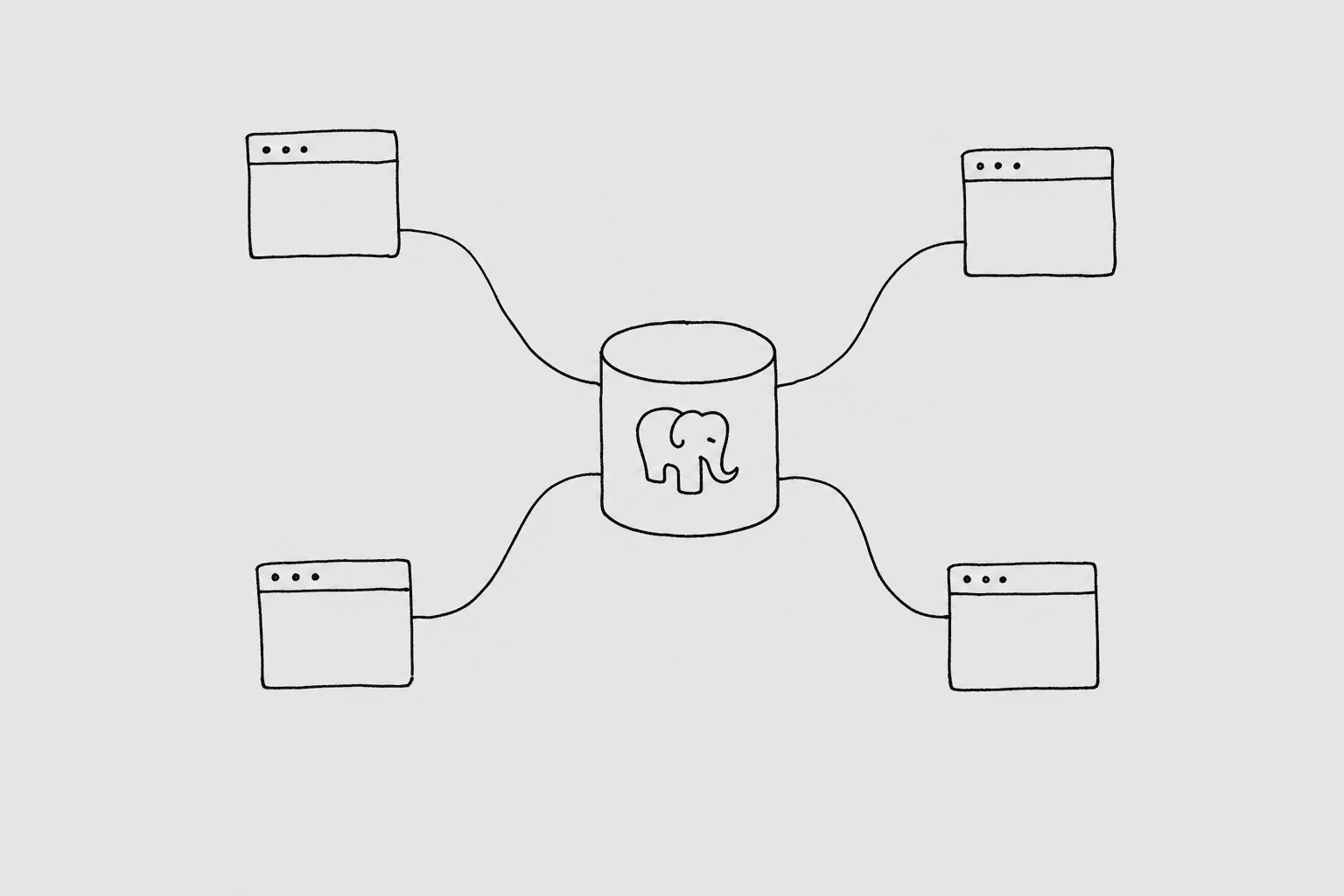
The agent never touches your database directly. It talks to a service (the Postgres MCP server gateway) that has credentials, enforces rules, and returns sanitized results.
QueryBear is what I built. It sits in front of your Postgres database and exposes three MCP tools to your AI client: list_connections, get_schema, and run_query. Every call goes through a security pipeline before anything hits the database.
That pipeline includes:
- A SQL parser that rejects any DML or DDL.
INSERT,UPDATE,DELETE,DROP,CREATE: all blocked at the parse level, before the query touches the database. The agent can't route around this because it's not a permission check; it's a structural rejection. - A table allowlist. You pick exactly which tables the agent can see. If a table isn't on the list, it doesn't appear in schema responses and queries against it get rejected.
- A blocked-columns list. You can hide specific columns from the agent entirely.
password_hash,totp_secret,ssn_last_4. Block them and they never appear in schema calls or query results. - A row limit. The agent can't pull millions of rows into its context by accident. You set the ceiling.
- A statement timeout. Long-running queries get killed before they cause replica lag.
- An EXPLAIN cost cap. QueryBear runs
EXPLAINbefore executing and refuses queries the planner thinks will be too expensive.
The agent lives on the far side of all of this. It can ask questions. It can't break things. And every query is logged, so you have a full audit trail.
Pick Your Tool
The same QueryBear Postgres MCP server works with any MCP-compatible client. Here's what each looks like:
- Claude Code: terminal-native, best for engineers. One command to install, then just ask questions in the Claude Code session alongside your code.
- Claude Cowork: desktop app, best for non-terminal work. Good for product managers and support teams who want database access without opening a terminal.
- Cursor: IDE-native. The agent can pull your real schema while writing queries, migrations, or ORM models. No guessing column names.
- Windsurf: IDE-native, a solid alternative to Cursor. Same schema-aware workflow, different editor.
- ChatGPT: browser-based, requires Pro and Developer Mode enabled. MCP support is newer here; useful if ChatGPT is already where your team works.
- Codex: OpenAI's CLI agent. Good for scripted workflows and multi-step data tasks from the terminal.
- Gemini: Google's CLI agent. Reads its config on every invocation, so no restart needed after changes.
Pick the tool you already use and follow the linked guide. Each one has the exact install steps for that client.
Postgres-Specific Gotchas
A few things that bite people when they first start running agent-generated queries on Postgres.
Timezone weirdness with now(). Postgres's now() returns a timestamptz in the session's timezone. If your server timezone is UTC but your data has a mix of timestamptz and timestamp (no timezone) columns, the agent might write comparisons that look right and produce wrong results. Worth checking what your columns actually store before trusting relative-date queries.
Lock contention during VACUUM. Agent queries take AccessShareLock on the tables they touch, same as any SELECT. That's usually fine. But if you're running VACUUM FULL or an ALTER TABLE, it needs an AccessExclusiveLock, which blocks until every AccessShareLock clears. If the agent is running a slow analytical query at exactly the wrong time, your maintenance job waits. This is another reason to point the agent at a read replica rather than the primary.
JSONB queries. Agents generally write valid JSONB queries, but they sometimes get the operator precedence wrong when combining -> and ->> with filters. If a JSONB query returns unexpected results, check that the agent used ->> (text) vs -> (JSON) correctly for the comparison type.
The ::text cast habit. Postgres agents often cast aggressively to avoid type mismatch errors. You'll see things like created_at::text LIKE '2026%'. That usually works but kills any index on created_at. If you're running repeated queries and they're slow, check whether the generated SQL is scanning when it could be using an index.
Where to Go From Here
Pick the tool you spend the most time in from the list above. Each spoke guide walks through connecting QueryBear to your Postgres database and installing the MCP server in that specific tool, with the exact config for that client.
If you're not sure where to start, Claude Code is the fastest path for engineers and Claude Cowork works well for anyone who doesn't want to touch a terminal.