SQLite MCP Server: Connect Your Database to Any AI Tool

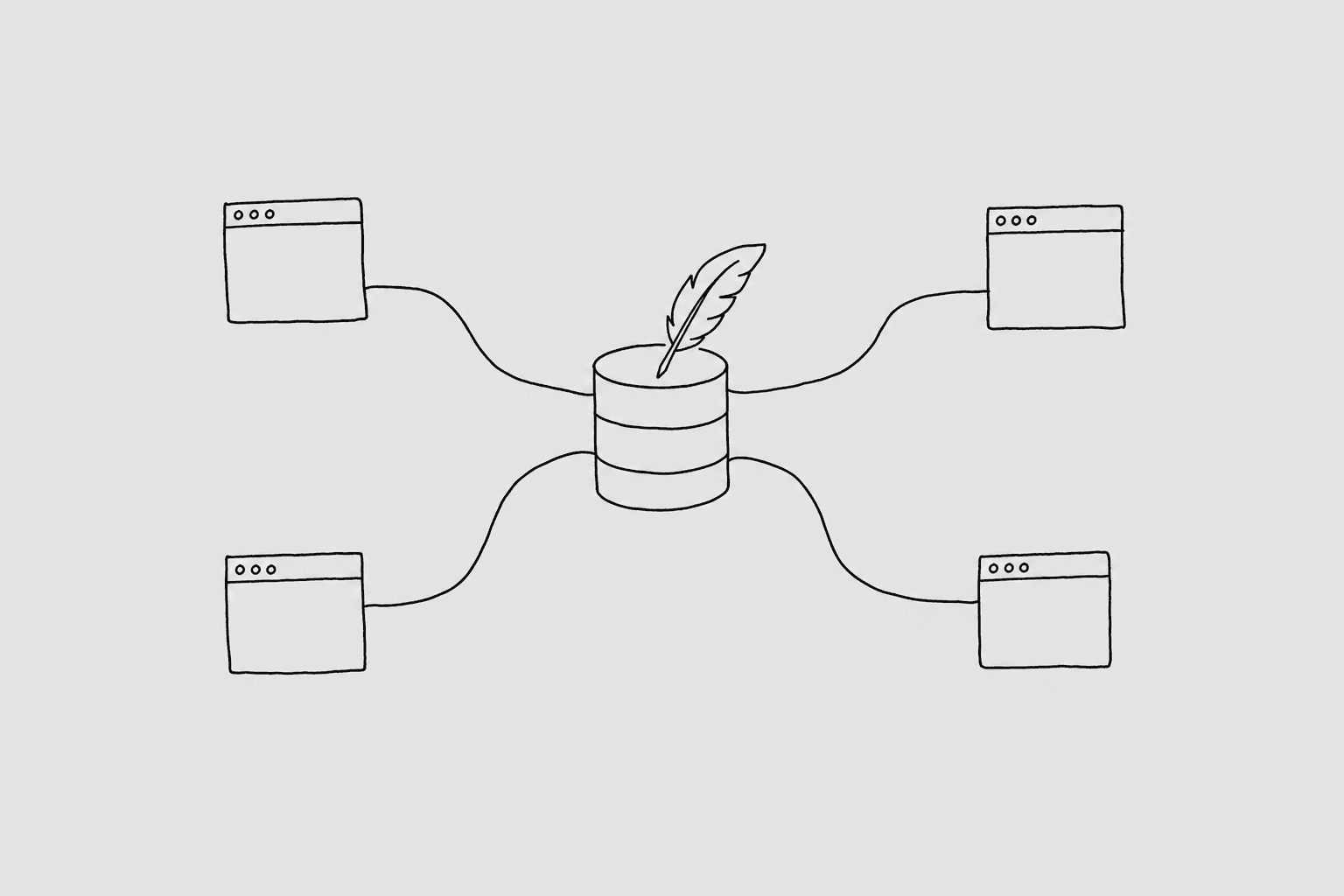
A teammate pinged me last week asking why two rows in the events table had a started_at stored as "2024-03-15" (a string) while the rest had Unix timestamps. They'd been hunting this for an hour. I just asked the question in plain English, got the answer back in four seconds, and sent a screenshot. That's the workflow an SQLite MCP server makes possible.
Without one, "querying your SQLite database from an AI tool" usually means pasting your Turso URL and token into an environment variable, crossing your fingers that the model generates only SELECT statements, and hoping nothing ends up in your shell history.
What an MCP server is
MCP (Model Context Protocol) is a standard that lets AI tools call out to external services as structured tools. Instead of the AI writing SQL and hoping it's safe to run, the AI calls a named tool (run_query) that lives in a server you control. That server decides what the query is allowed to do before it touches your database.
A well-built SQLite MCP server exposes your database to an AI client while enforcing constraints the AI can't work around: read-only enforcement at the SQL parser level, a list of allowed tables, blocked columns, a row limit, and a statement timeout. The AI never sees your credentials. It sees a tool that either returns rows or returns an error.
That's the shape. Three tools: list_connections, get_schema, and run_query. The AI client calls them. The MCP server mediates.
Why you'd want one for your SQLite database
The honest answer is that SQLite databases tend to accumulate questions nobody knows how to answer quickly.
If you're running Turso in production, you've probably got event logs, feature flag states, sync conflict records, onboarding funnels. Product questions about those tables are common. Writing ad-hoc SQL to answer them is slow. Handing that off to an AI tool that speaks your schema is fast.
Some real use cases:
- Customer support needs to know if a user's device has synced in the last 48 hours. That's a one-sentence question that produces a query nobody wants to write by hand.
- You're debugging an API endpoint and want to see error counts by endpoint for today, grouped by status code. Thirty seconds with an AI tool beats five minutes in a SQL editor.
- You want a quick answer: how many users completed onboarding this month? Is that up or down from last month? You don't need a dashboard for this.
- You're doing an incident postmortem and want to cross-reference event timestamps against your error log. The AI can write those joins.
The thing is, these questions keep coming. The bottleneck is always "someone has to write the SQL." An SQLite MCP server removes that bottleneck without removing the guardrails.
The naive approach (and why it's a problem)
The naive version is: set TURSO_DATABASE_URL and TURSO_AUTH_TOKEN in your environment, tell the AI to use them, and let it run.
This breaks in a few ways.
First, the AI now has write access unless you've done something to stop it. SQLite over libSQL has no native read-only role system the way Postgres does. The AI could generate an INSERT or DELETE or DROP TABLE if it misreads your prompt, and nothing stops it from running.
Second, your auth token is now in the AI's context window, which means it's potentially in logs, transcripts, clipboard history. If you're using a shared tool or a cloud-based AI client, that token has left your machine.
Third, the AI has no idea what tables are sensitive. It'll happily include api_keys or user_secrets in a JOIN if those tables exist and look relevant.
A read-only token helps, but Turso's permission model doesn't give you column-level filtering, a row cap, or an audit trail. You'd have to build all of that yourself.
The gateway pattern
A gateway sits between the AI and the database. The AI only gets to talk to the gateway. The gateway talks to the database.
Here's how QueryBear handles it for SQLite (via Turso/libSQL):
- SQL parser rejects DML and DDL.
INSERT,UPDATE,DELETE,DROP,ALTERget rejected before the query leaves the gateway. No write access, period. - Table allowlist. You pick which tables the AI can see. Everything else is invisible at the schema level too, so the AI can't even reference a blocked table in a JOIN.
- Blocked columns. You can hide individual columns (API keys, secret tokens, anything sensitive) even within allowlisted tables.
- Row limit. Queries get an implicit
LIMITadded if the AI doesn't include one. This keeps the AI from pulling a million event rows into its context window. - Statement timeout. Long-running queries get killed before they become a problem.
- Audit log. Every query is logged. If someone asks a question you didn't expect, you can see exactly what ran.
Your Turso URL and auth token live inside QueryBear. The AI client gets an MCP URL. That's all it sees.
Pick your tool
Once you've connected QueryBear to your SQLite/Turso database, you can use it from any of these AI tools. Each one has a dedicated setup guide:
- Claude Code: terminal-native, best for engineers. You run
claude mcp addand you're in. Great for ad-hoc debugging sessions. - Claude Cowork: the desktop app version of Claude, better for non-terminal workflows. Good for product and support folks who don't live in a terminal.
- Cursor: IDE-native. If you're already in Cursor working on the codebase that writes to this database, this is the most natural fit.
- Windsurf: IDE-native alternative to Cursor. Same idea, different editor.
- ChatGPT: works in the browser but requires a Pro or Plus account with Developer Mode enabled. Setup is a bit more manual than the others.
- Codex: OpenAI's CLI agent. Good for scripted workflows and automation.
- Gemini: Google's CLI agent. Re-reads its config on every invocation, so no restarts needed when you change settings.
SQLite-specific gotchas
SQLite has some behaviors that will surprise you if you're coming from Postgres or MySQL. The AI will generate queries that work, but you should know what's happening under the hood.
Dynamic typing. SQLite's type system is flexible to a fault. A column declared INTEGER can hold a string. This is why you occasionally see started_at storing "2024-03-15" as text instead of a Unix timestamp. The AI will infer column types from the schema declaration, but the actual values might not match. If you're filtering by date, it's worth knowing whether that column actually contains timestamps or ISO strings or some mix of both.
No native boolean. SQLite has no BOOL type. Applications typically use INTEGER (0 and 1) or TEXT ('true'/'false'). The AI usually figures this out from column names like is_active or has_onboarded, but if you get weird results from a boolean filter, check what values are actually in the column.
Date and time functions work differently. In Postgres you'd write now() - interval '7 days'. In SQLite it's datetime('now', '-7 days'). The AI generally gets this right if it knows it's working with SQLite, but if you copy a query from a Postgres context, it'll fail silently or return nothing. The strftime() function is your friend for any date formatting.
ALTER TABLE is limited. SQLite doesn't support adding constraints to existing columns, dropping columns in older versions, or renaming columns in some versions. This won't matter for read queries, but if you're using the AI to help you understand schema evolution or write migrations, it's good to know that standard ALTER TABLE advice from a Postgres context doesn't always apply.
Where to go from here
Pick a tool from the list above and follow that spoke. Each one covers the exact install steps for that tool, a worked example with a real query, and any tool-specific quirks worth knowing about.
If you're not sure which tool to start with: Claude Code is the fastest setup if you're comfortable in a terminal. Cursor is the most natural fit if you're already in that IDE. Either way, the gateway config is the same.