Saved Queries Are the Feature I Use Most. They Were the Last One I Built.

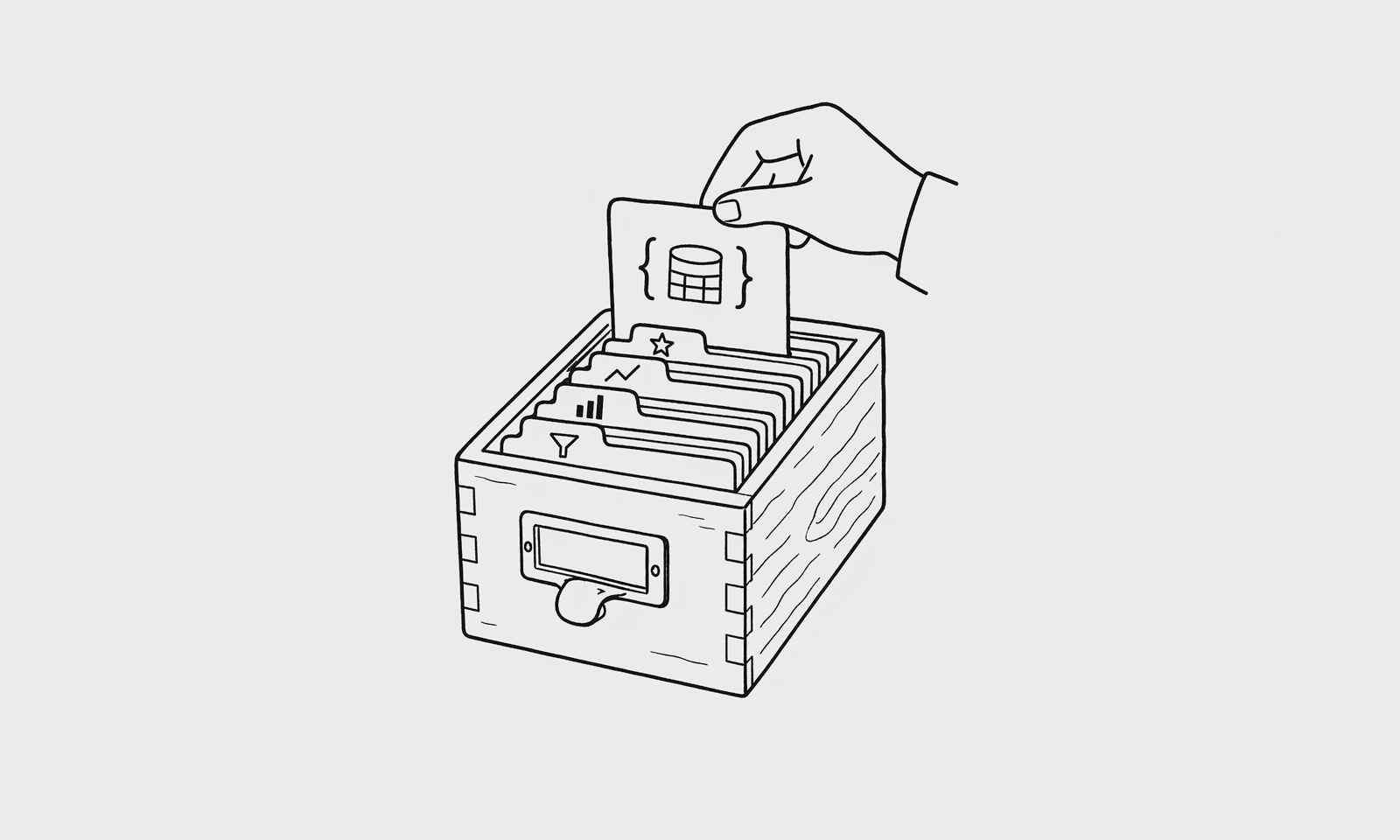
The headline feature when I started building QueryBear was natural-language SQL. The thing I now use ten times a day is the boring one I almost didn't ship: saved queries.
They're also the feature that turned QueryBear from a "cool toy for me" into something a non-engineer on my team will actually open without me sitting next to them. So I want to write down why.
The pre-saved-queries workflow
For the first three months, my workflow looked like this:
- Open QueryBear.
- Ask Claude something like "how many people signed up yesterday."
- Watch it write the query against my schema. Verify it. Run it.
- Close the tab.
- The next morning, ask the same question again.
Every single morning. Same question, query rewritten from scratch, slightly different filters depending on how I phrased it. One day Claude reached for created_at >= now() - interval '24 hours'. The next day it went with created_at::date = current_date - 1. Both correct. Both giving slightly different numbers depending on when I ran them. I'd silently average them in my head and move on.
That's fine when you're one person. It's not fine when a teammate asks "what's our signup number" and three different people answer three different numbers because each of them re-asked Claude.
What changed
I built a "save this query" button. No spec, no Linear ticket. I had a query open in front of me one morning, got annoyed, and added it.
It does roughly nothing fancy. Stores the SQL with a name. You come back, click it, run it. There's a {{variable}} syntax for parameters, so my "Daily Signups" query has a {{date}} input that defaults to yesterday.
That's the whole thing.
The workflow change was immediate and not subtle. I stopped re-asking the same questions. I built up maybe 12 saved queries — daily signups, MRR, churn this week, top 20 users by usage, accounts with failed payments, a couple of debug ones — and my morning became six clicks instead of six conversations with an LLM.
Then a teammate asked the signup question. Instead of pinging me on Slack, she opened QueryBear, picked "Daily Signups" from the list, and got the same number I get. It worked. She didn't need to know SQL. She didn't need to talk to me. The number was the number.
Why dashboards lose to this
I built a Metabase install at a previous company. It was fine. Nobody opened it after week three.
The reason is that dashboards answer the questions you anticipated six months ago. Saved queries answer the question you have today, and become the dashboard for the one you keep asking. The lifecycle is the right way around.
Saved queries are also the unit non-technical people can actually understand. A dashboard is a fixed thing. A saved query is a reusable script with inputs. People grok scripts with inputs because they've used Excel. They don't grok semantic layers and dashboard cards.
The MCP angle
The other thing that got better when I added saved queries: they show up as MCP tools.
Now when I'm in Claude Code and I want to know how many signups we got, I don't ask Claude to write a fresh query. I tell it "use the daily-signups tool." It calls QueryBear's MCP server, runs the saved query, returns the number, and Claude has it. No SQL roulette, no schema introspection round-trip, no chance of a slightly-different version every time.
This part wasn't planned. I built saved queries for human users and they incidentally became the right primitive for agent users too. That's almost always how it goes. The boring abstraction you build to keep yourself sane is also the abstraction that scales.
The boring lesson
When I describe QueryBear to people, they want to hear about the AI. The AI is real and it works. But the part that actually changed my day-to-day was the simplest possible idea: write the query once, give it a name, run it again later.
Sometimes the best feature is the one a junior engineer would have built in a week. The trick is being willing to ship it after you spent two months on the clever one.
4 comments
- tjones_dba
Saved queries with named parameters is genuinely 1990s database tool design and somehow most modern tools don't have it. The fact that it's also the right primitive for agents is a happy accident worth noticing.
- ana_eng
Funny because we tried to build this on top of dbt and it kept devolving into 'what is this for' arguments with the data team. Saved queries that anyone can run without modeling the entire warehouse seems like the right unit.
- sql_nerd_42
Question: do you version saved queries? When the schema changes underneath them, do you keep the old one as v1 and create a v2, or just edit in place?
- claude_curious
The MCP angle is the bit that made me click. I keep forgetting saved queries can be agent tools too. Going to try this with my Cursor setup.