I gave Claude Code access to the production database

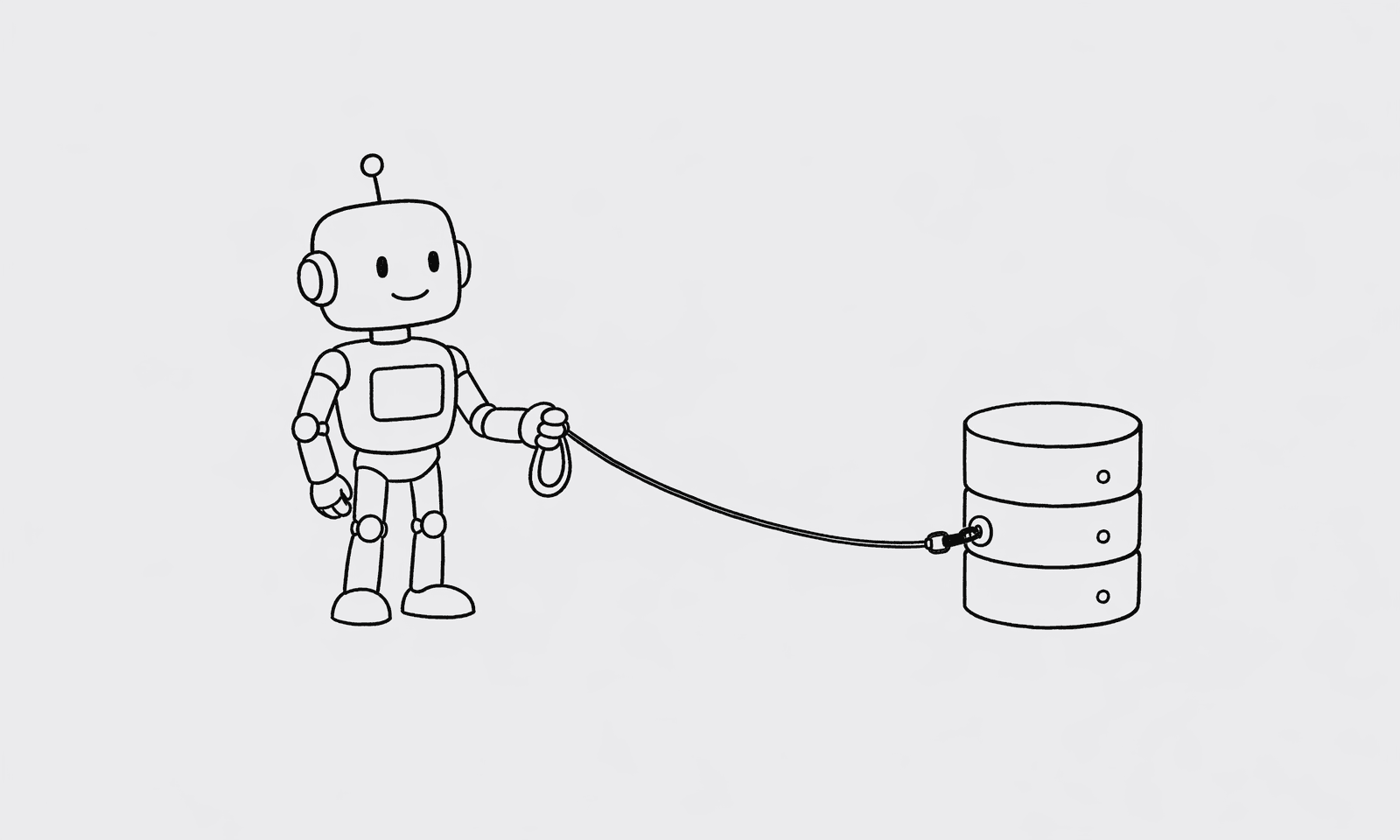
I've been connecting my coding agents to everything: Datadog logs, Linear, Slack. It still feels like I hit the same wall every time I actually need to debug something serious.
The model can read the stack trace and the ticket thread. The part where I prove what happened in the data, row by row, is still on me. I open the database viewer, find the connection, find the table, rebuild the join in my head, export a slice, paste it back into chat. It's not hard. It's a time sink, and it breaks the flow of everything else I wired up.
So I'm in a thread with Claude Code, I explain the bug, then I tab away and click through schemas anyway. After a while that mismatch started to really annoy me.
The hack that worked too well
At some point I hacked together a repo on my laptop. It generated SQL and talked to the database for me, and it worked better than I expected.
It also made me nervous.
Credentials sitting around, no real story for who could run what, no audit trail I could point at if something went sideways. I kept using it for a week and felt worse about it each day. The thing that was supposed to save me time had a new cost: low-grade anxiety every time an agent ran a query.
I wanted the same speed without the part where I pretend that's fine.
What "actually safe" had to mean
So I started building something with real constraints.
Read-only paths — not just by convention, but enforced at the transaction level. Permissions that actually mean something, not just a comment in a README. The schema pulled in and cached so I'm not dumping DDL into a new chat every time I start over. Timeouts and rate limits so a bad prompt can't turn into a runaway query.
Every query logged. Full audit trail. If something went sideways, I could point at exactly what ran and when.
It took a while. The first pass caught obvious things. The second pass caught the subtle things — multi-statement injection, queries that look like SELECTs but aren't, joins that would quietly scan every row in a large table. Defense in depth is harder to build than it sounds, and it's easy to think you're done before you actually are.
Somewhere in there I shipped QueryBear
I wasn't chasing a market thesis. I was the person who needed the thing.
QueryBear is the MCP server I built to stop feeling nervous. It sits between Claude Code (or Cursor, or any agent) and your database. Your agent queries through it. QueryBear validates, secures, and executes. The agent gets results. Your data stays safe.
The setup is two lines in your Claude Desktop config:
{
  "mcpServers": {
    "querybear": {
      "url": "https://mcp.querybear.com/mcp",
      "headers": {
        "Authorization": "Bearer YOUR_API_KEY"
      }
    }
  }
}
That's it. Claude Code now has run_query, view_schema, and ask_database tools — all going through seven layers of validation before a single row leaves your server.
What it actually looks like in practice
Now when I'm chasing a production issue, I can stay in one thread with Claude Code. I describe the bug, the model looks at the code, then it queries the database directly to verify what's actually in the data.
The model isn't guessing my tables from memory. It's not holding raw keys to the kingdom. And I'm not tabbing away to paste CSV slices into chat.
I'm not saying I solved database security for everyone. I'm saying this is the first setup where the convenience didn't make me feel like I was about to regret it.
If you've wired up Claude Code or Cursor to everything but you still live in the database viewer when something breaks — I'm curious what you did. I'm still figuring out where the line should be.
QueryBear is free to try. Connect in two minutes.
3 comments
- the_alex
The visceral 'I gave Claude Code my prod URL' moment is when the safety story stops being abstract. Glad you wrote about it.
- claude_curious
I've been doing this for a month against a read replica with the QueryBear gateway. Best change to my workflow this year. Saves me ~30 min/day on data Q&A.
- skeptical_dba
Anyone reading this — please use a replica. The replica is the difference between 'wow that's neat' and 'oh god my prod database is melting.'