Connecting AI Agents to a Neon Database

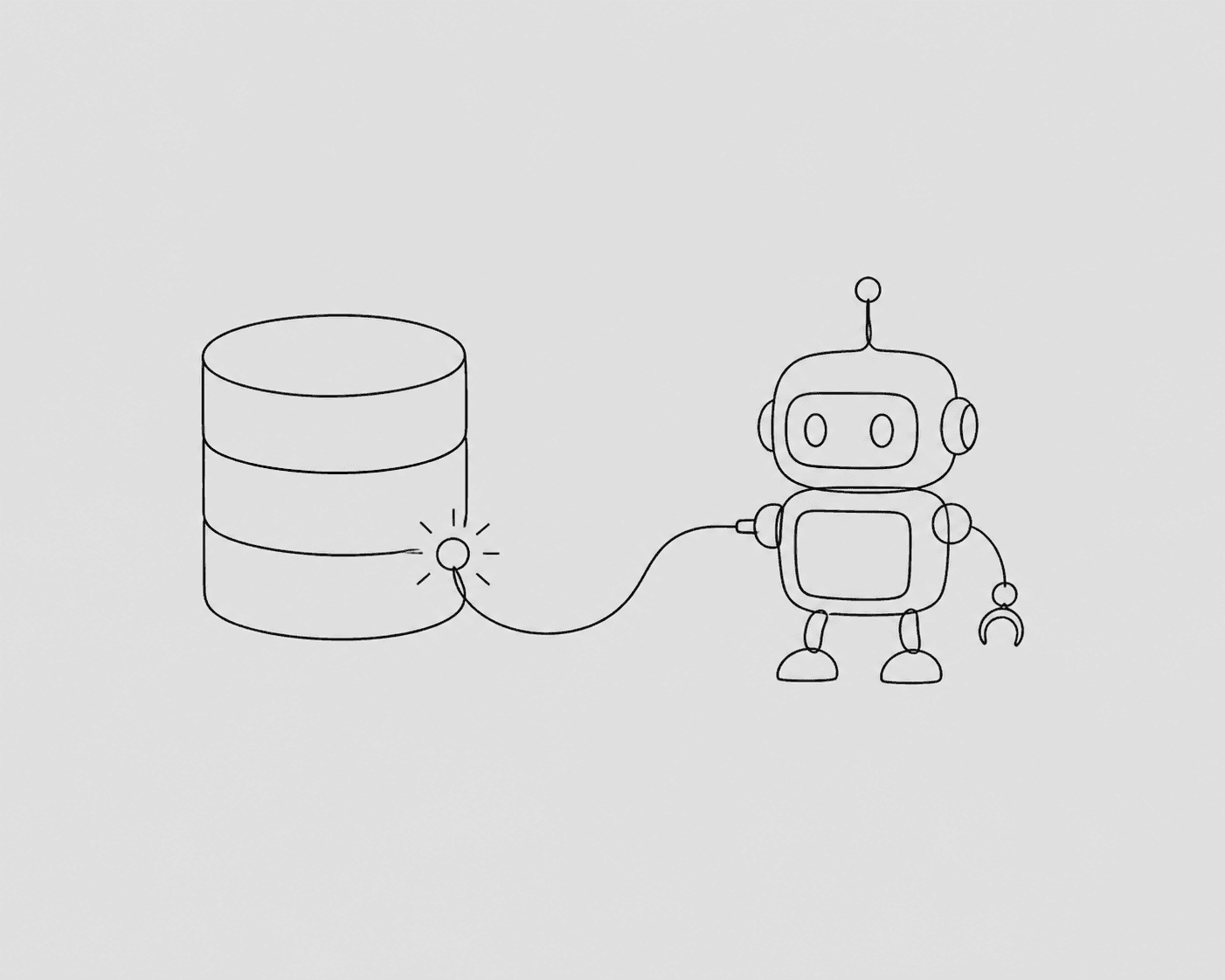
Neon is serverless Postgres, and the "serverless" part changes a couple of things when you're connecting an AI agent to it. Most of the advice for plain Postgres still holds. But there are two Neon-specific details that, if you ignore them, will make your agent feel broken when it isn't.
Detail one: cold starts and the connection burst
Neon scales compute to zero when idle. That's the whole pitch, and it's great for cost. It's slightly awkward for agents, because the first query after the database has been asleep pays a cold-start penalty. An agent that fires three exploratory queries in a row will feel the first one hang, then the rest snap to normal speed.
This isn't a bug and you don't need to fix it. Just know it's coming, so you don't go debugging a "slow query" that's actually a waking-up query. If the latency genuinely matters for your use case, Neon lets you raise the autosuspend timeout so the compute stays warm longer.
Detail two: use the pooled connection string
Neon gives you a pooled endpoint (it runs PgBouncer for you). Use it. Agents open connections in unpredictable bursts and aren't disciplined about closing them, and the pooled endpoint is built for exactly that. The hostname has a -pooler suffix. Grab that one from the Neon dashboard, not the direct endpoint.
The part that's the same everywhere: a scoped read-only role
This is the same advice I'd give for any Postgres, and it's the step that actually keeps you safe. Don't connect the agent with your main role. Make one that can only read what it needs:
create role agent_readonly with login password 'a-real-secret';

grant connect on database neondb to agent_readonly;
grant usage on schema public to agent_readonly;
grant select on public.users, public.subscriptions to agent_readonly;

alter role agent_readonly set statement_timeout = '5s';
alter role agent_readonly set default_transaction_read_only = on;
With that role, the worst an agent can do is run a slow read that Neon kills after five seconds. It can't write, it can't reach tables you didn't grant, and on Neon specifically, a capped read also means you're not paying for a runaway query that scans your whole history.
Putting a boundary in front
The role stops the catastrophic stuff. What it doesn't give you is the day-to-day quality-of-life: a log of what the agent queried, a row cap so a wide result doesn't blow up the model's context, and a place to write down what your columns mean so the agent stops guessing.
That's where a layer like QueryBear fits. You give it the Neon pooled connection with the read-only role, and your agent talks to QueryBear over MCP. It pulls the schema, applies your descriptions, caps the results, and logs every query. You can also roll your own thin proxy if you'd rather. The role is the part you can't skip.
Branching is a quietly great fit for agents
One Neon feature worth calling out: database branching. You can spin up an instant copy-on-write branch of your database. If you want to let an agent do something more adventurous than read-only queries — test a migration, try a destructive cleanup, see what a script does — point it at a branch instead of main. It gets a real, full-size database to play in, and you throw the branch away when it's done. That's a much better answer than "let it touch prod and hope."
For everyday questions, though, keep it simple: pooled endpoint, read-only role, a layer that logs and caps. Then "how many active subscriptions do we have on Neon" is a question you ask in plain English and get answered in a second.