I'm Building an AI SQL Tool. You Should Still Learn SQL.

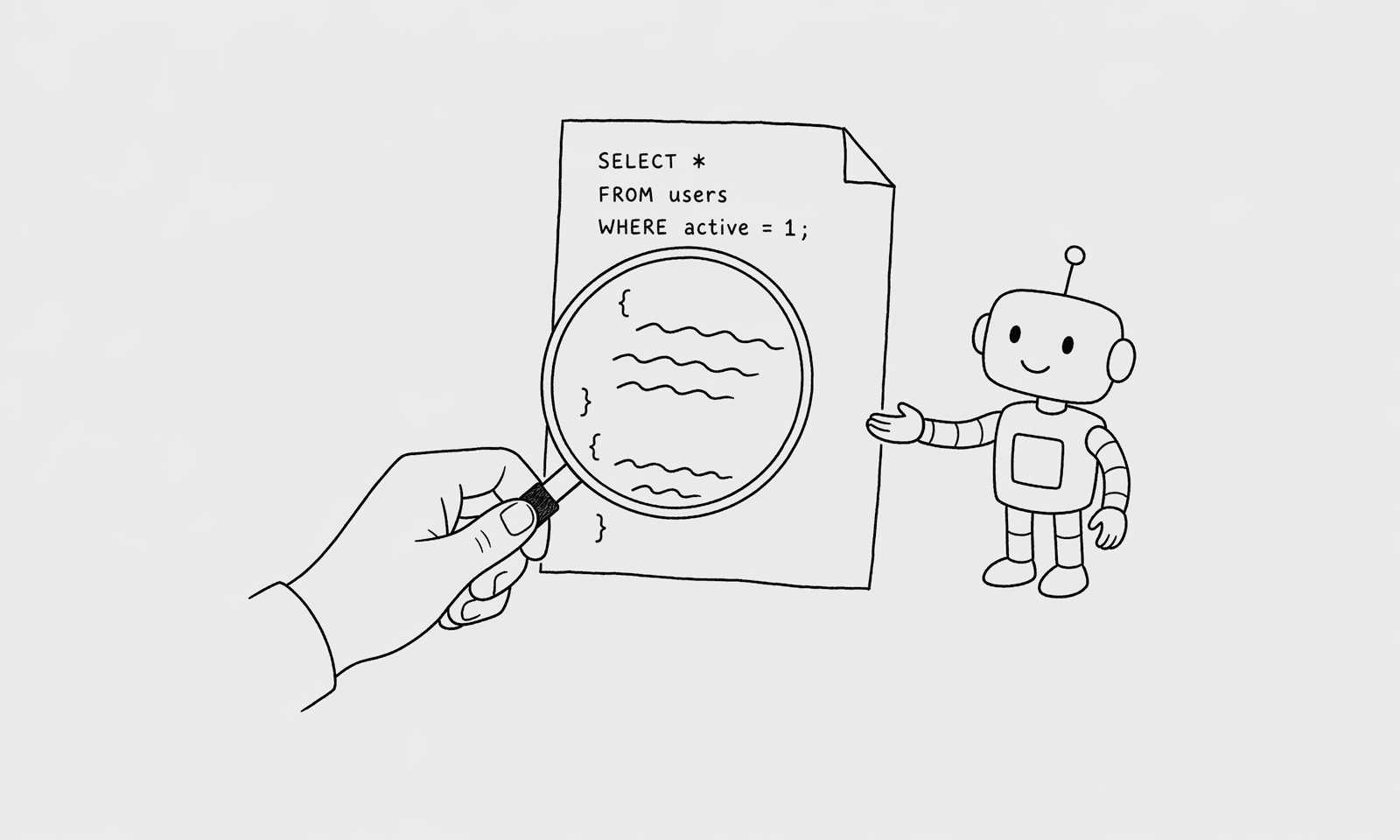
I sell a tool that writes SQL for you. I'm going to argue you should still learn SQL. Both things can be true.
The reason is simple: if you can't read what the AI wrote, you can't catch when it's wrong. And it will be wrong sometimes — not in obvious ways, in subtle ones. The AI gets the syntax right and quietly picks the wrong join. The query runs. The number is off by 12%. Nobody notices.
This isn't a hypothetical. I've watched it happen and I've done it myself.
The spell-check analogy isn't quite right
The usual way people pitch this is "AI for SQL is like spell check for writing." Spell check catches typos but doesn't replace the skill of writing. Same idea, except worse — because spell check is wrong in obvious ways, and AI SQL is wrong in subtle ones.
A spell-check error gives you "teh" in your essay. You see it. You fix it.
An AI SQL error gives you INNER JOIN orders instead of LEFT JOIN orders. The query runs without an exception. The result is a number, not a typo. The number is plausible. You ship it. A week later someone notices that the new-customer count is excluding everyone who hasn't placed an order yet, and your trial-conversion dashboard has been quietly underreporting.
The AI's failure mode is not "obvious mistake." It's "confident answer that happens to be wrong." This is exactly the failure mode that requires a human reviewer.
The minimum SQL you need to be a good reviewer
Reading SQL is dramatically easier than writing it. You don't have to know Postgres window functions cold. You have to know the few patterns where the AI silently picks the wrong thing.
In rough order of how often I've seen them go wrong:
Joins. Know INNER JOIN vs LEFT JOIN. Know that INNER drops rows where the right side has no match. The classic AI failure is "show me users with their orders" generated as INNER JOIN orders, which silently filters out users with no orders.
GROUP BY correctness. When the AI returns SELECT user_id, count(*), email FROM orders GROUP BY user_id, that's a Postgres error you'll catch. When it returns SELECT count(*), email FROM orders GROUP BY email, that runs but is doing something different than you asked.
NULL semantics. WHERE deleted_at != current_timestamp excludes rows where deleted_at IS NULL. That's almost never what you wanted. Spotting != against a nullable column is the single highest-leverage SQL skill for catching AI errors.
Date filters. WHERE created_at >= '2026-01-01' versus WHERE created_at::date >= '2026-01-01' versus WHERE EXTRACT(YEAR FROM created_at) = 2026. The AI picks one based on phrasing. They're not equivalent in performance and sometimes not in result. Read the filter.
Aggregate distinct. count(*) vs count(distinct user_id). The AI sometimes picks one when you wanted the other. The numbers can be very different.
Implicit limits. Some AIs silently add LIMIT 100 to large-result queries. If you're computing a sum, that's silently wrong.
That's about ten hours of reading total. Six chapters of any SQL-for-analysts book covers all of it.
What changes when you can read SQL
A QueryBear power user looks like this:
- They ask Claude a question in natural language.
- The query renders. They scan it for two or three seconds.
- They run it.
That's the loop. The two-or-three-second scan is the entire skill ceiling, and it eliminates basically every AI-SQL failure mode I've seen in production.
A QueryBear user without SQL reading skills looks like this:
- They ask Claude a question.
- The query renders. They don't read it. They run it.
- They use the result.
This usually works. Sometimes it doesn't, and they don't know which time was which. Over months that erodes trust in the tool, even though the tool was right 95% of the time and the 5% failures were catchable.
Who I think this matters for
The people who get the most out of QueryBear aren't the ones who know zero SQL. They're the ones who can read it but don't want to write it. PMs who took an analytics class once. Ops leads who used to be analysts. Founders who can pattern-match a query but don't want to type the joins. Senior engineers who could write the query but value their time at more than 12 minutes per question.
The ones who get the least out of it are people who treat it as a black box. The "I don't need to learn SQL because Claude will write it" stance is fine for one-off questions where being wrong by 12% doesn't matter. It's not fine when you're presenting a number in a board deck or making a hiring decision.
The frame I'd use
Treat AI-generated SQL the same way you'd treat code your junior coworker wrote. You don't need to be able to write it from scratch faster than they can. You need to be able to read it and say "looks good" or "wait, that join is wrong."
That's the skill. It's smaller than people think, and it pays back forever.
The thing I'm not going to do is sell QueryBear as "you don't have to know SQL anymore." That's the lazy pitch. The real pitch is that AI lets you skip the typing, and the time you save buys you the chance to actually verify the answer instead of giving up on it.
If you want to use AI SQL well, learn enough SQL to read it. Six chapters. Ten hours. Skip the rest.
4 comments
- wfh_dev
The spell-check analogy is good but it undersells how subtle the failures are. Spell check makes a wrong word visible. Bad SQL produces a number that looks fine.
- rachel.k
NULL semantics is the #1 thing I see non-engineers get wrong even when they're reading queries carefully. Worth its own post.
- stillscaling
10 hours of SQL learning to verify AI-generated queries — I'd argue that's the new floor of 'data literacy' for any IC at a series-A startup.
- claude_curious
Hard agree on the 'count(*) vs count(distinct)' one. I have personally shipped a quarterly metric where Claude picked the wrong one and nobody noticed for two weeks.