Answering Slack Data Questions Without Touching the Database Yourself

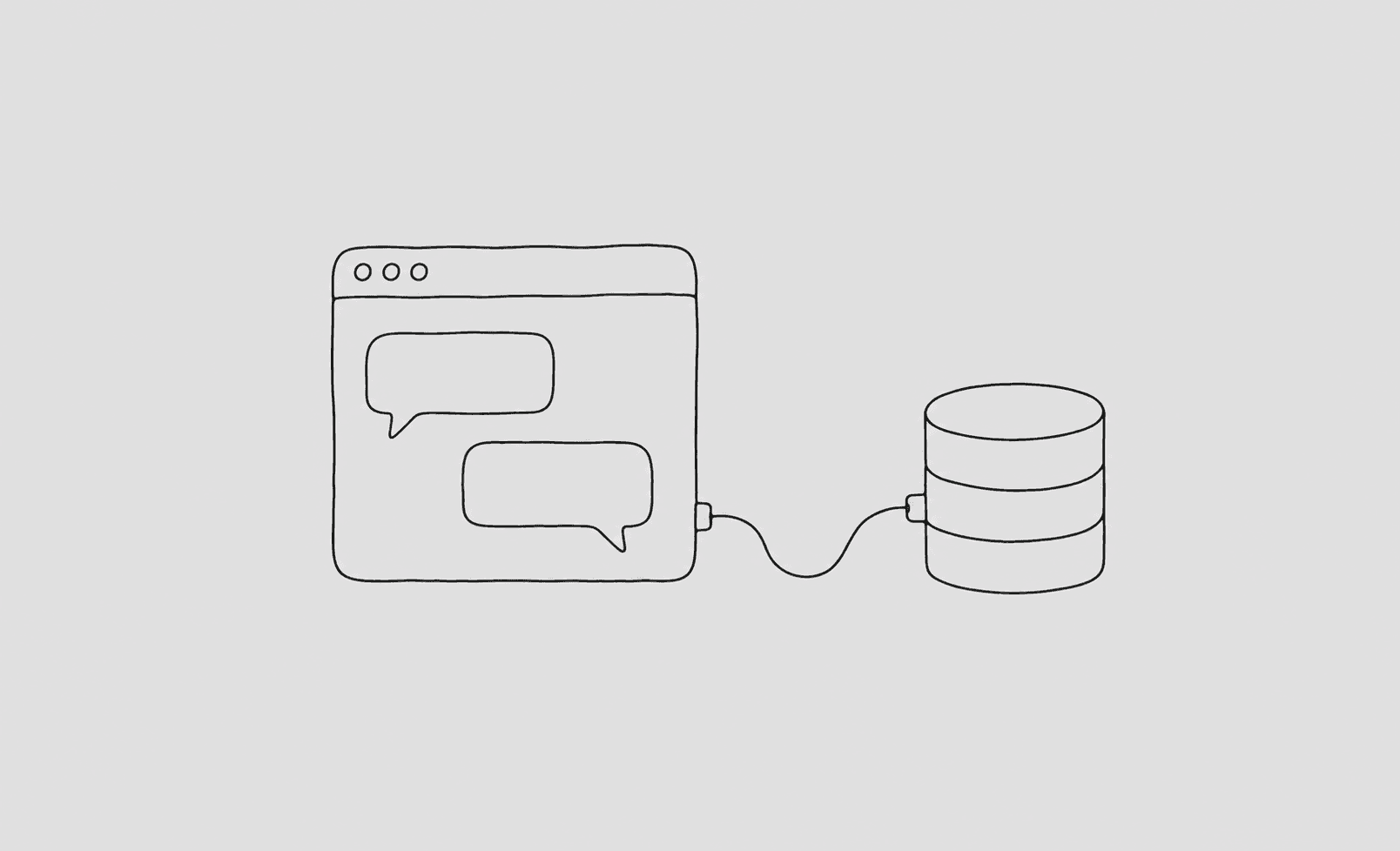
If you're the person on your team who can write SQL, you know this Slack message. "Hey, quick one — how many users signed up from the partner referral last week?" It's never quick. It's a context switch, a query, a formatted answer, and three follow-ups, several times a day, from several different people. The interruptions add up to a real chunk of your week, and none of it is the work you were hired to do.
There's a better setup now, where those questions get answered without routing through you at all. Here's how to build it.
The shape of the solution
You want the people asking the questions to be able to get answers directly, in plain English, against real data, without you in the loop and without handing them a database connection. Three pieces make that work: an AI agent that can write SQL, a safe read-only path to the database, and a place the non-technical askers already live, which is usually Slack.
The agent translates "how many referral signups last week" into a query. The safe path runs it without risk. Slack is the interface, so nobody has to learn a new tool. The person asks in the channel, the agent answers in the channel, and you're not pinged.
Step one: the safe database path
Do not skip to the Slack bot. The foundation is a read-only, scoped, capped connection to your database, and everything else sits on top of it.
Make a read-only role that can see only the tables these questions touch. Add a statement timeout and a row cap so a vague question can't produce a runaway query. Restrict the columns so the agent answering "how many signups" can't accidentally surface anyone's email. This is the same setup I'd recommend for any agent database access, and it's the part that lets you be comfortable with non-engineers triggering queries, because the worst case is a slow read that gets killed, not a leak or a write.
Step two: the agent with schema context
The agent needs to know your schema, and more importantly what your schema means. "Referral signups" only resolves to the right query if the agent knows which column tracks acquisition channel and that the partner referral is channel = 'partner' and not channel = 'referral' (your past self named these confusingly, as we all do).
Give the agent the schema plus plain-English descriptions of the non-obvious columns. This is the difference between an agent that answers "referral signups" correctly and one that quietly counts the wrong channel and tells the marketer a number that's off by half. The descriptions are doing the work here, not the model.
Step three: wire it into Slack
With a safe path and a context-aware agent, the Slack integration is the easy part. The agent listens in a channel, and when someone asks a data question, it writes the query, runs it through the safe path, and posts the answer. The good versions also post the SQL it ran, so a curious or skeptical person can check the logic, and so you, the SQL-literate one, can glance at it and confirm it's right when it matters.
The key property is that the asker never sees a database, never writes SQL, and never pings you. They ask a question in the place they already complain about everything else, and they get a number back.
What changes when this is live
The first thing you notice is the silence. The steady drip of "quick question" DMs slows to a trickle, because the quick questions now answer themselves. The questions that do still reach you are the genuinely hard ones, the ones that need judgment about what to measure, which is the part you actually wanted to be doing.
The second thing you notice is that more questions get asked overall, and that's good. When asking is free, people check things they would've guessed at before. The marketer verifies the campaign instead of assuming. The support lead confirms the pattern instead of eyeballing it. The total number of questions goes up while the number that interrupt you goes down, which is exactly the outcome you want.
You can build this with the read-only role and a bit of glue code yourself, or use a layer that handles the safe path, the schema context, and the logging for you, which is what QueryBear is for. Either way, the principle is the same: the bottleneck was never the query. It was that the query had to go through the one person who could write it. Remove that requirement, safely, and the Slack pings mostly stop.